Scope and contact
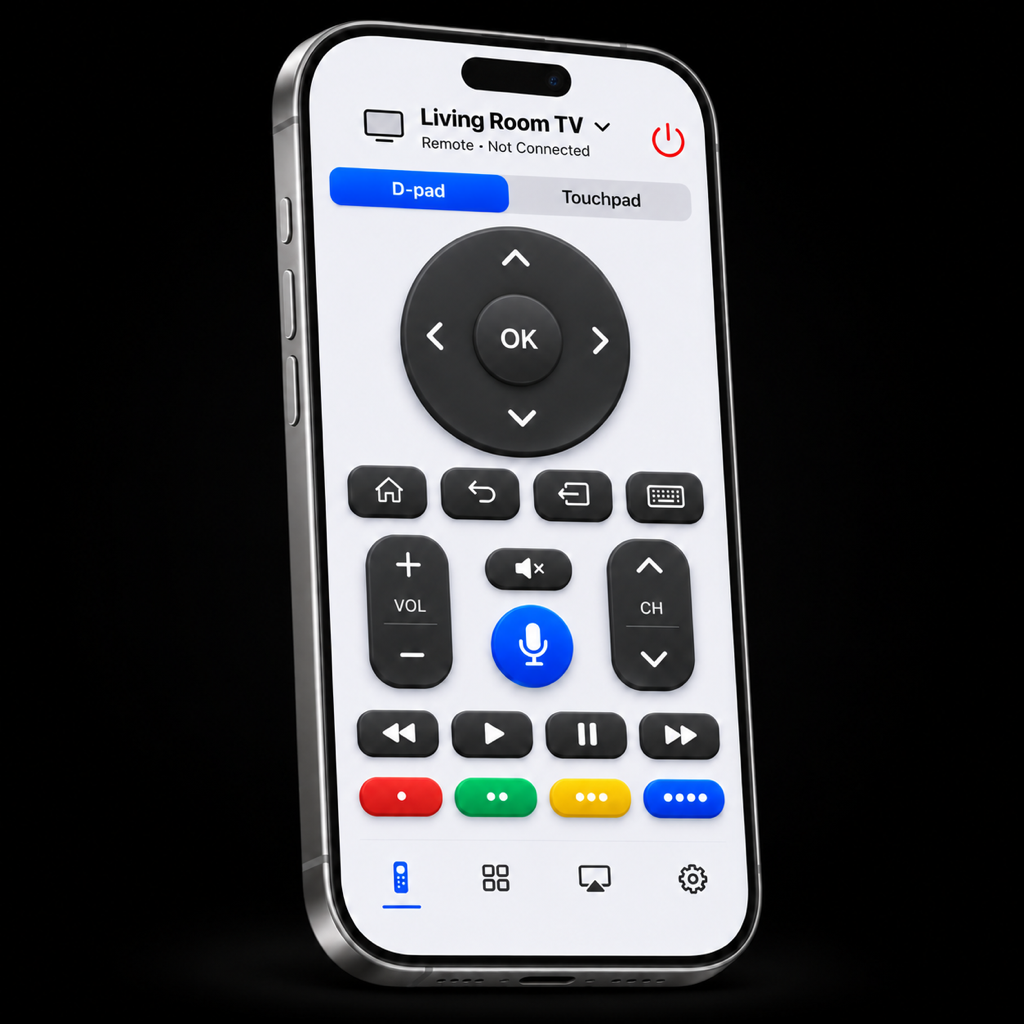
This policy covers the Smart Remote for LG iPhone and iPad app, this support website and Smart Remote support requests. Smart Remote is independent software for LG webOS TVs and is not affiliated with LG Electronics.
For questions, email support@flipiq.us with the subject “Smart Remote for LG privacy.”
Your TV connection
The Smart Remote iOS app has no account service, advertising, analytics SDK or cross-app tracking. Remote commands and keyboard text go directly to your selected TV over your local network, rather than to a Smart Remote cloud service. Only enter sensitive text if you trust the TV and network.
Local Network permission lets Smart Remote discover and communicate with TVs. The Apps tab can request app names and artwork from the selected TV; it does not use a third-party icon catalog. TV apps and services have their own data practices. You can change Local Network permission in iOS Settings.
Saved TVs and pairing credentials
TV names, private network addresses, optional MAC addresses, favorites and preferences are stored locally on your device. Pairing keys and approved certificate fingerprints use device-only Keychain storage available while the device is unlocked. Smart Remote does not synchronize those credentials.
The recommended encrypted connection pins the certificate you approve. A certificate change requires your approval again. If you explicitly choose legacy mode for an older TV, pairing credentials and commands travel without transport encryption on that network.
Photos and videos you choose
Apple’s photo picker supplies only the photo or video you select. Smart Remote makes a temporary local copy for sharing with your TV. Photos are converted to JPEG with a maximum 3,840-pixel long edge. Smart Remote does not upload selected media to a Smart Remote cloud service.
Local media is served through an unencrypted HTTP URL containing a random token. Another device on the local network that obtains that URL may retrieve the media, so use a trusted home network. The TV needs to support the media’s format and codec.
Voice commands and dictation
Smart Remote requests Microphone and Speech Recognition access when you tap Start listening in Commands or Dictation. Both modes currently require Apple’s on-device English speech recognition. If it is unavailable, Smart Remote does not fall back to cloud recognition.
Capture lasts up to 60 seconds and ends when you stop, close the voice screen, encounter an interruption or background the app. Audio and transcript drafts are not saved to files or uploaded to a Smart Remote server. Draft text stays in memory for your review and is cleared when you close the voice screen.
You explicitly send a supported action in Commands mode or up to 2,000 characters to a focused compatible TV input in Dictation mode. Dictation remains literal text; it is not interpreted as a remote command and does not automatically press Enter or submit a search. The TV and its apps may handle sent text under their own policies. Only dictate sensitive text if you trust the TV and network.
Demo mode permits typed preview, with listening and sending disabled. You can revoke Microphone and Speech Recognition access in iOS Settings.
Optional local diagnostics
Diagnostics recording is off by default. If you enable it, Smart Remote keeps up to 100 recent events in memory for the current app session. Only the recording preference survives relaunch. Clear, turning recording off, or choosing a different TV removes the history and diagnostic TV metadata. Smart Remote keeps no report archive and sends nothing automatically.
A report contains operation categories, relative timing/duration and fixed result/failure categories, app/build and iOS versions, a broad device class, the build’s automatic-discovery capability, and optional validated LG model/webOS/firmware versions. TV metadata is requested only after opt-in from the selected paired TV; unavailable or invalid values stay unknown. You may select a fixed observation such as expected result or no visible change. There is no free-text observation field; a TV acknowledgment is separate from what you observed.
Reports exclude keyboard/search text, raw errors or payloads, TV names, identifiers, serials, hostnames, IP/MAC/network addresses, URLs, app/channel titles, media, audio/transcripts, pairing keys and certificate information.
You review the report and explicitly choose native JSON sharing and its destination. Saving or sharing creates copies governed by that destination; Clear in Smart Remote does not remove those copies. A report you send to support becomes a support attachment handled below. Recording or opening the share sheet does not automatically send a report to Smart Remote support.
Stopping sharing and removing saved data
Stop sharing, disconnecting from the TV or moving Smart Remote into the background stops its local media server. Smart Remote also attempts to remove the current temporary media copy. This is not a promise of secure erasure from device storage or backups.
Forget TV removes that TV’s saved app metadata, pairing key and approved certificate. Your TV may retain its own authorization entry, removable in its settings. Uninstalling an iOS app can leave Keychain entries behind; forget saved TVs first if you want Smart Remote to remove those credentials. There is no Smart Remote online account to delete.
Links, AirPlay and Apple services
When you open a web or media URL on your TV, the TV contacts that destination, which may process data under its own privacy terms. The TV operating system, streaming services, system AirPlay, device backups and Apple-managed diagnostics follow their own settings and policies.
Smart Remote does not operate those services or provide cloud synchronization.
This support website
This is a standalone static Smart Remote support website hosted by Vercel. The site includes no analytics SDK, advertising, tracking scripts, forms or third-party fonts. It does not access your microphone, camera, local network or saved TV credentials.
Vercel may process technical request information, such as IP address and browser information, to deliver, secure and operate the website. Hosting requests are separate from the Smart Remote app’s local TV communication. The app does not send TV commands, keyboard text, selected media or diagnostic reports to this website automatically.
Support messages and your choices
If you email support@flipiq.us, including a diagnostic JSON report you choose to attach, we receive your email address, message and attachments and use them to respond and troubleshoot. Do not include pairing keys, passwords, temporary media URLs or media you do not want to share.
You can contact the same address to ask about or request deletion of support information. Some records may need to be retained for security, legal obligations or an ongoing support issue. Copies you export, back up or share through other services follow those services’ settings and policies.
Changes and questions
Smart Remote does not sell personal information or use the iOS app for cross-app tracking. If data handling changes, this policy and applicable App Store disclosures will be updated.
For privacy questions, contact support@flipiq.us.